

Description
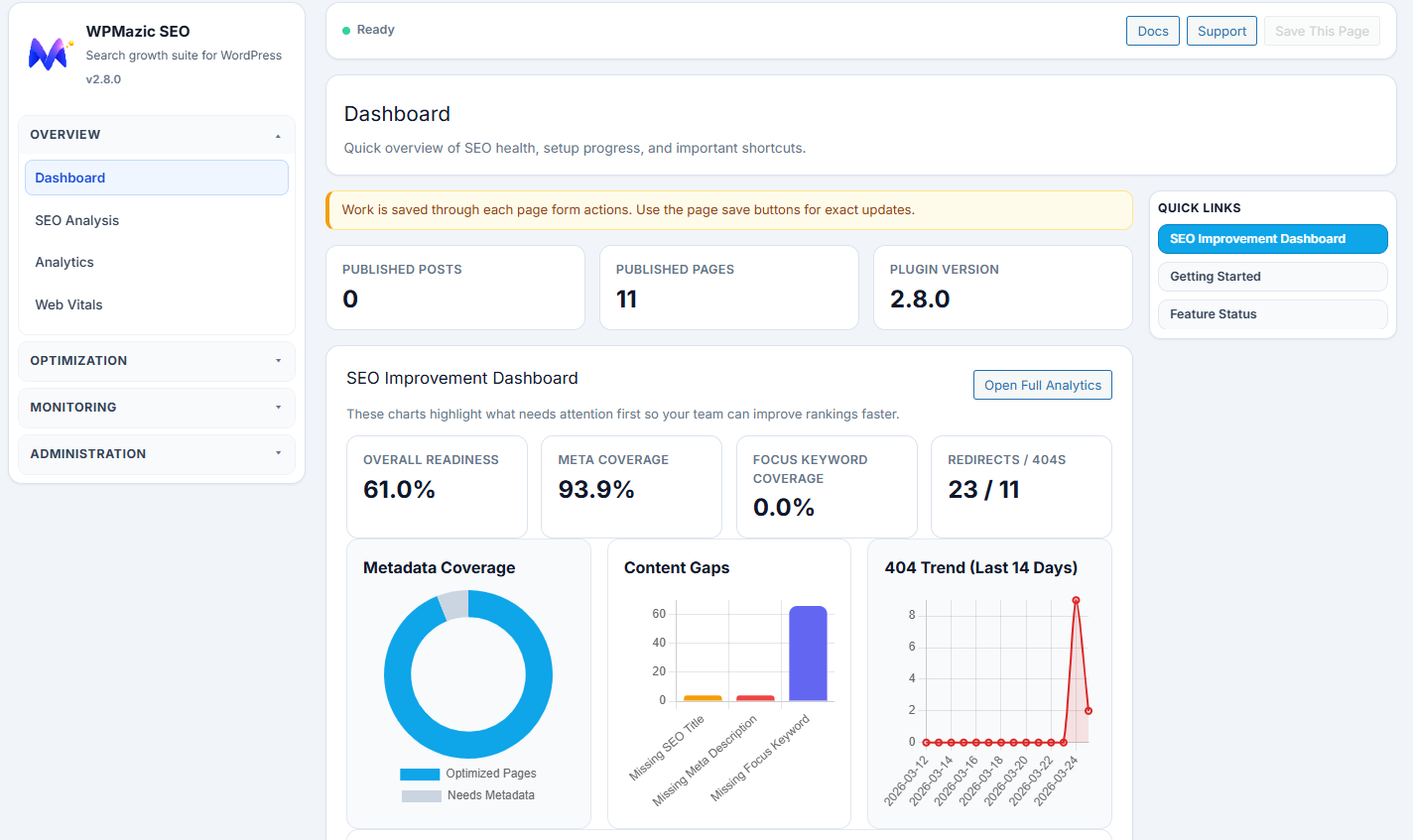
WPMazic SEO Lite helps you launch SEO fundamentals quickly and monitor your site’s search performance.
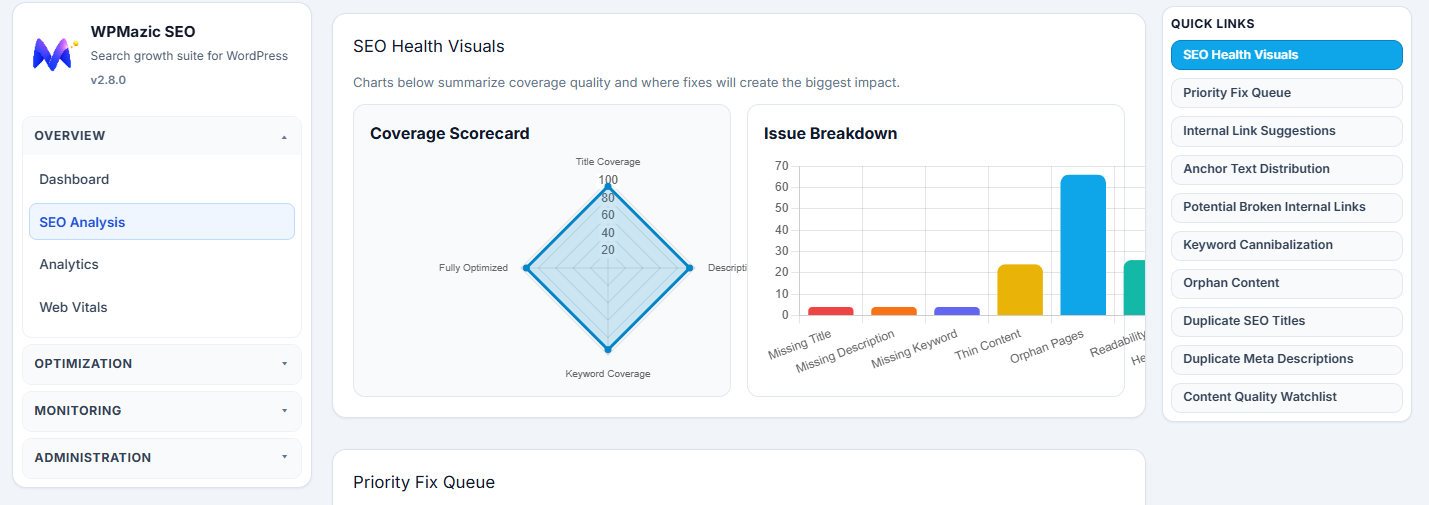
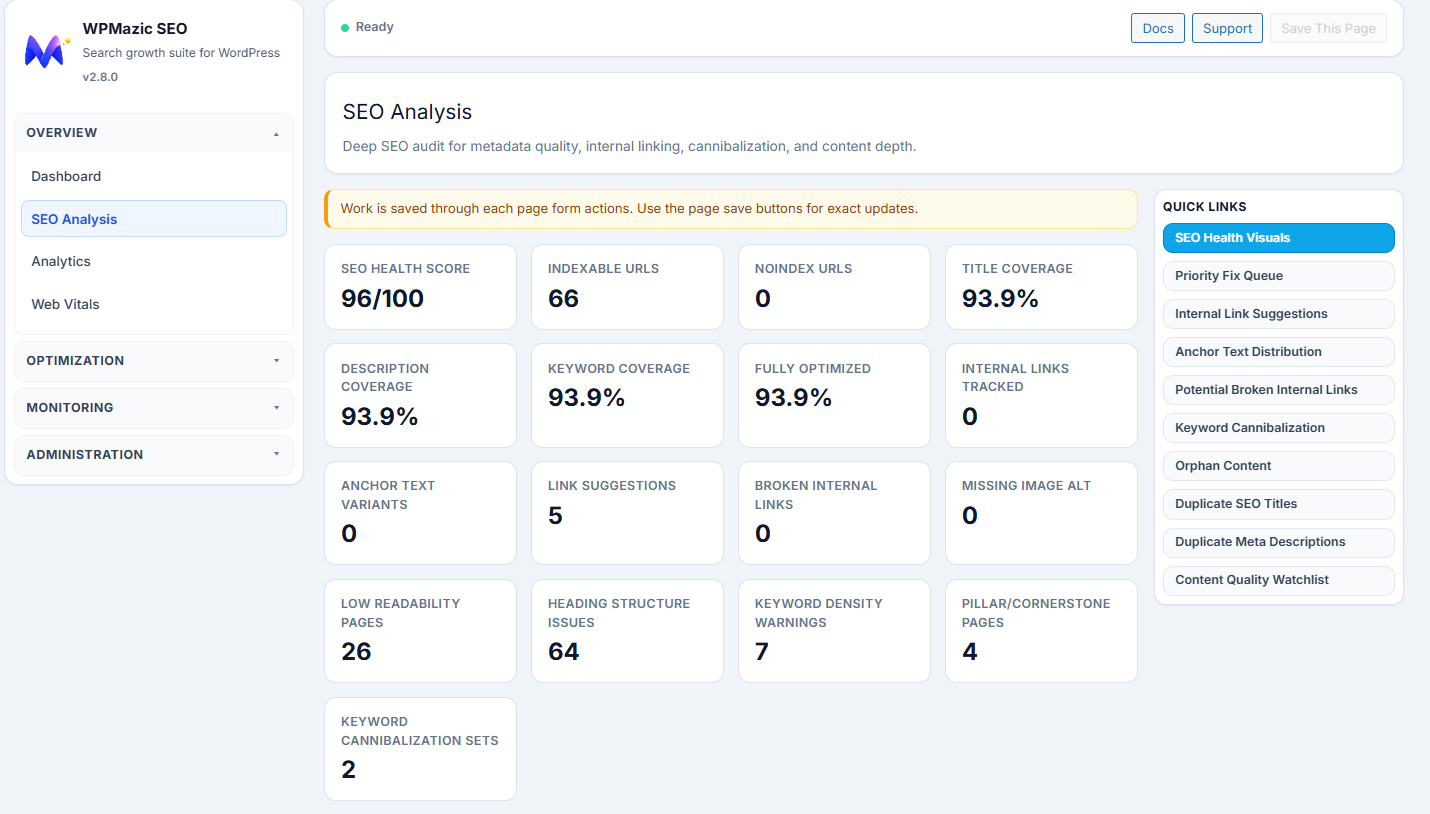
Complete Feature Overview
- Setup wizard + 1-click migration from Yoast, Rank Math, and AIOSEO
- SEO title/meta controls with snippet preview for posts, pages, and custom post types
- Focus keyword analysis and per-post SEO controls
- XML sitemap plus image sitemap support with filtering options
- Schema output for common content types including Article, FAQ, Product, and LocalBusiness
- Open Graph, Twitter Cards, dynamic OG image fallback, and author SEO enhancements
- Redirect manager with 301/302 redirects and auto slug redirect
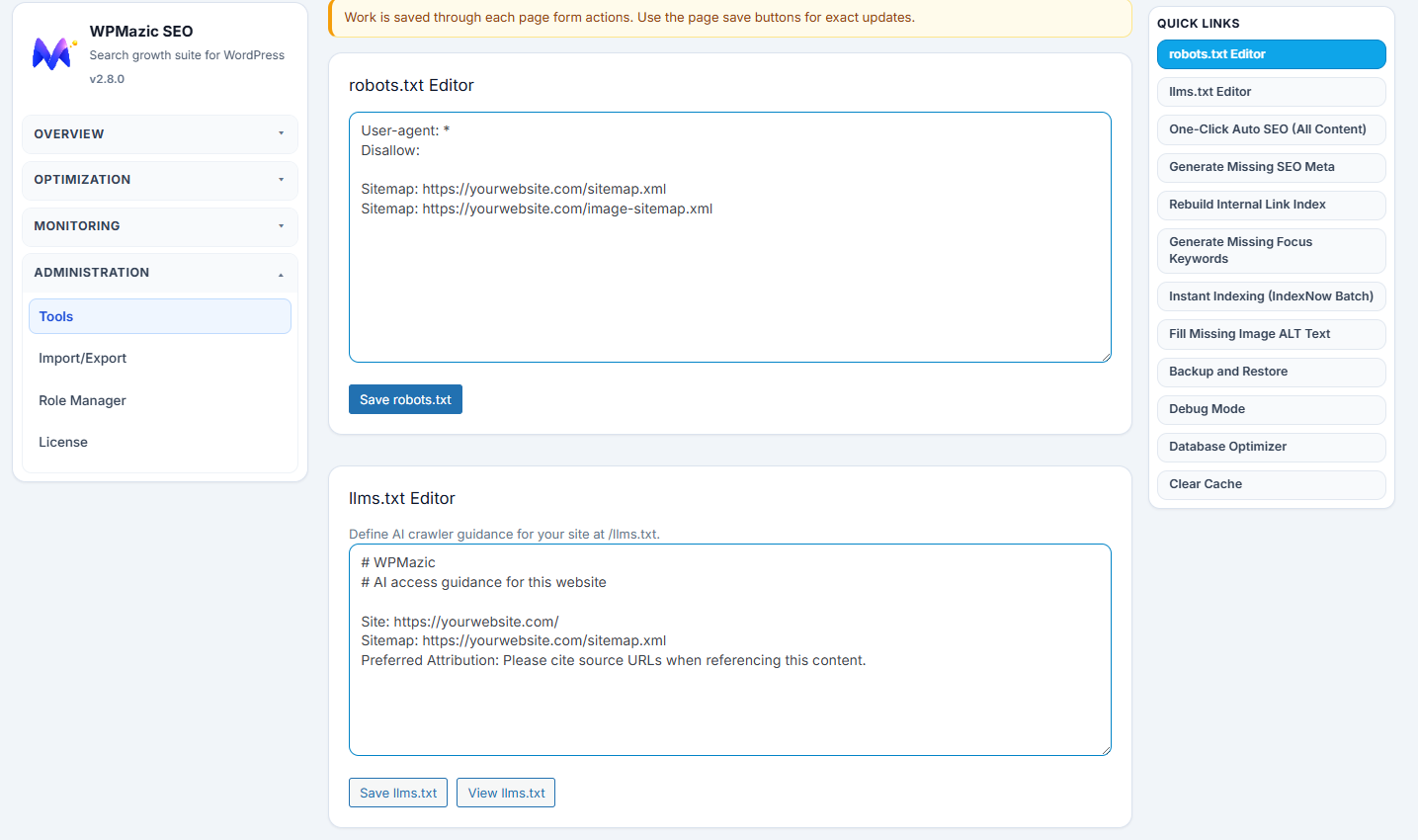
- Search engine verification tags, robots.txt editor, llms.txt editor, and IndexNow
- Bulk editor and migration wizard for efficient content management
- Local SEO with business schema and location markup
- Breadcrumbs with flexible navigation structure
- Image SEO with automated alt text and filename optimization
- Internal link tracking to analyze linking structure
- Security tools including bad bot blocker and security headers
Why Choose WPMazic SEO Lite?
- Lightweight and fast – minimal overhead on your site
- No bloatware – only essential SEO features included
- Compatible with WordPress multisite installations
- Zero tracking by default – your data stays with you
- Full control over social media previews with customizable OG tags
Support
Support is handled through the plugin support forum:
https://wordpress.org/support/plugin/wpmazic-seo-lite/
Upgrade to Pro
For advanced SEO features and premium support, visit:
https://wpmazic.com/wpmazic-seo/
Captures d’écran
Installation
- Upload
wpmazic-seo-liteto/wp-content/plugins/ - Activate from the Plugins screen in WordPress
- Follow the setup wizard to configure your SEO settings
FAQ
-
Does Lite include migration from Yoast/Rank Math/AIOSEO?
-
Yes. Use the setup wizard and import your existing SEO settings seamlessly.
-
Where is the sitemap?
-
Visit
https://yourdomain.com/sitemap.xml. An image sitemap is available athttps://yourdomain.com/sitemap-images.xml. -
Does this package include all bundled features?
-
Yes. The plugin includes the features bundled in this package. If you use a separate commercial WPMazic product, treat it as a separate offering outside the WordPress.org plugin directory package.
-
Does the plugin load remote assets in wp-admin?
-
No. Admin CSS and JS are bundled locally inside the plugin package.
-
How does the 404 Monitor work?
-
The 404 Monitor automatically logs missing URL requests with referrer and user-agent data, helping you identify broken links and redirect opportunities.
-
Is there a limit on redirects or 404 entries?
-
The Lite version includes full support for redirects and 404 monitoring without artificial limits. Your site data is stored locally in your WordPress database.
-
Will my website slow down if I install WPMazic SEO Lite?
-
No. The plugin is optimized for performance and uses minimal resources. The codebase follows WordPress best practices with efficient database queries and cached output.
-
Can I use this on a multisite installation?
-
Yes. WPMazic SEO Lite is fully compatible with WordPress multisite networks. Each site can have independent SEO settings.
-
Do I need to create an account to use this plugin?
-
No account is required. All features are available immediately after installation. The plugin works entirely within your WordPress site.
-
How do I get started with configuration?
-
After activation, follow the setup wizard to configure your site name, separator, and enable desired features. The default settings are optimized for most sites.
-
Can I control which post types appear in the sitemap?
-
Yes. The sitemap settings allow you to include or exclude specific post types and taxonomies from your XML sitemaps.
-
Is the plugin compatible with page builders?
-
Yes. WPMazic SEO Lite works with all major page builders including Elementor, Divi, WPBakery, and Gutenberg since it operates at the WordPress core level.
-
What happens to my SEO data if I uninstall?
-
Your SEO meta data is stored as custom fields in WordPress. You can optionally preserve this data during migration to another plugin.
Avis
Il n’y a aucun avis pour cette extension.
Contributeurs & développeurs
« WPMazic SEO Lite » est un logiciel libre. Les personnes suivantes ont contribué à cette extension.
Contributeurs
Traduisez « WPMazic SEO Lite » dans votre langue.
Le développement vous intéresse ?
Parcourir le code, consulter le SVN dépôt, ou s’inscrire au journal de développement par RSS.
Journal
1.0.0
- Initial Lite release
- Free-feature package with setup wizard, migration, and core SEO toolkit