

Description
This plugin will allow you to add a blurb from the WordPress block editor.
Blurbs are a great way to inform your visitors about important content of your website by using a image, a title and a description.
For the title and the description we use built-in Gutenberg blocks.
Features
- Alignments: you will able to align the blurb content, the image, the title and the description from the block toolbar
- Image top animation: enable a smooth top animation from the settings sidebar
- New blocks in the description: enable the ability to add new blocks (paragraphs and list) from the settings toolbar.
- Customization: This plugin offer fields to set the blurb maximum width, color, padding, etc.
- This is just a simple blurb. If people use it and like it, new interesting features will be added!
Captures d’écran
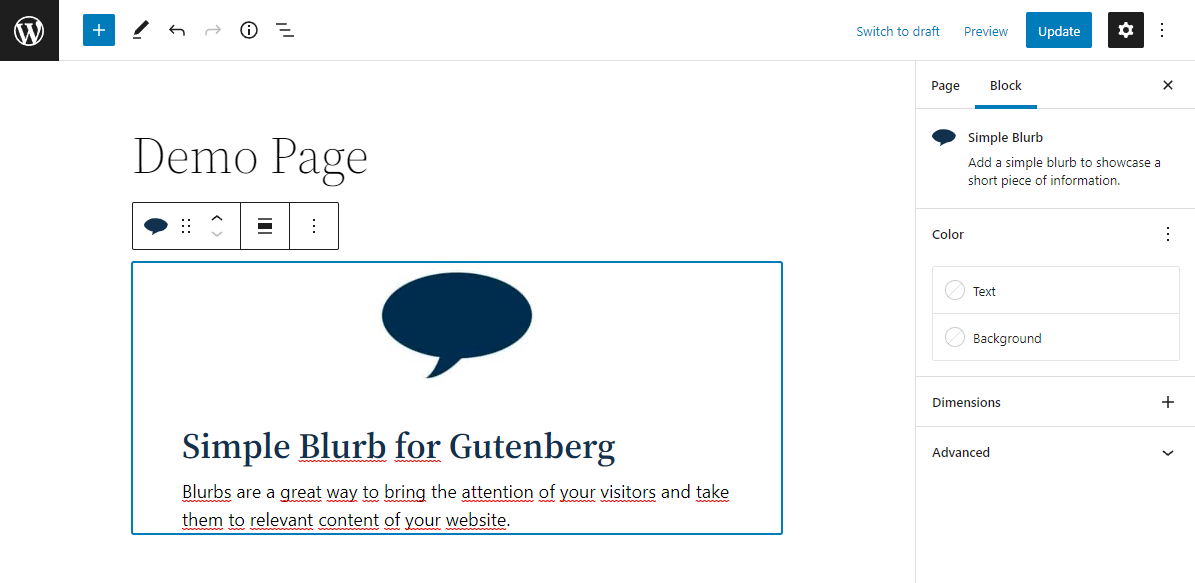
Block editor: Blurb. 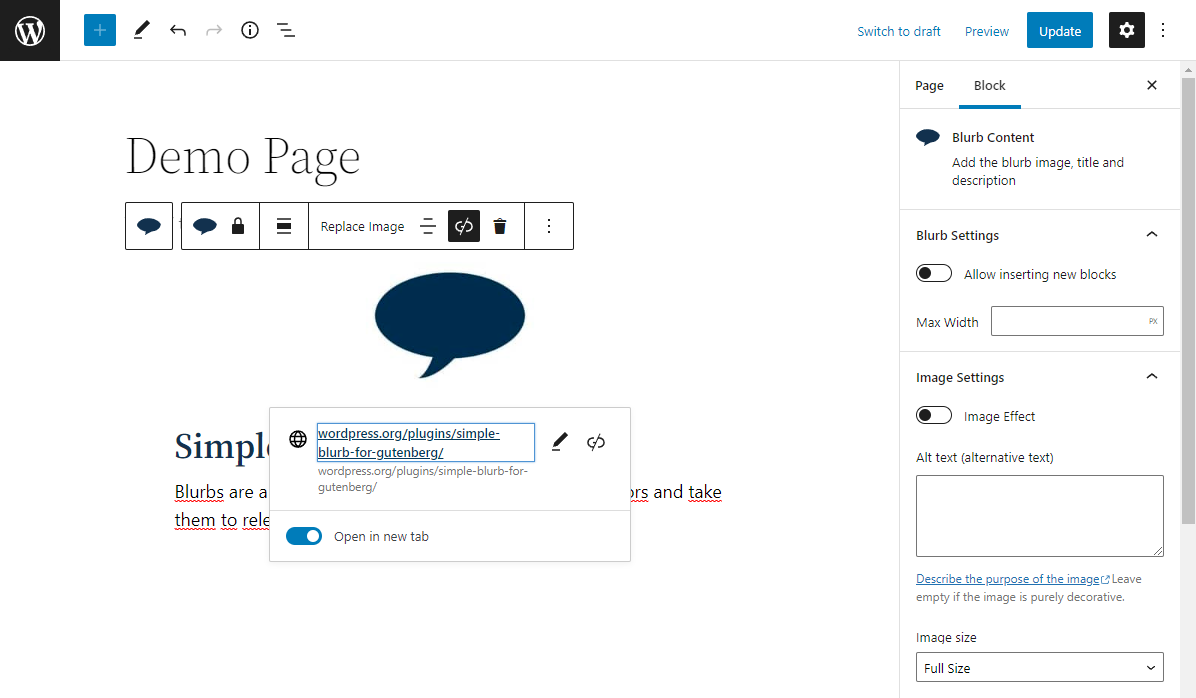
Block editor: Blurb Content. 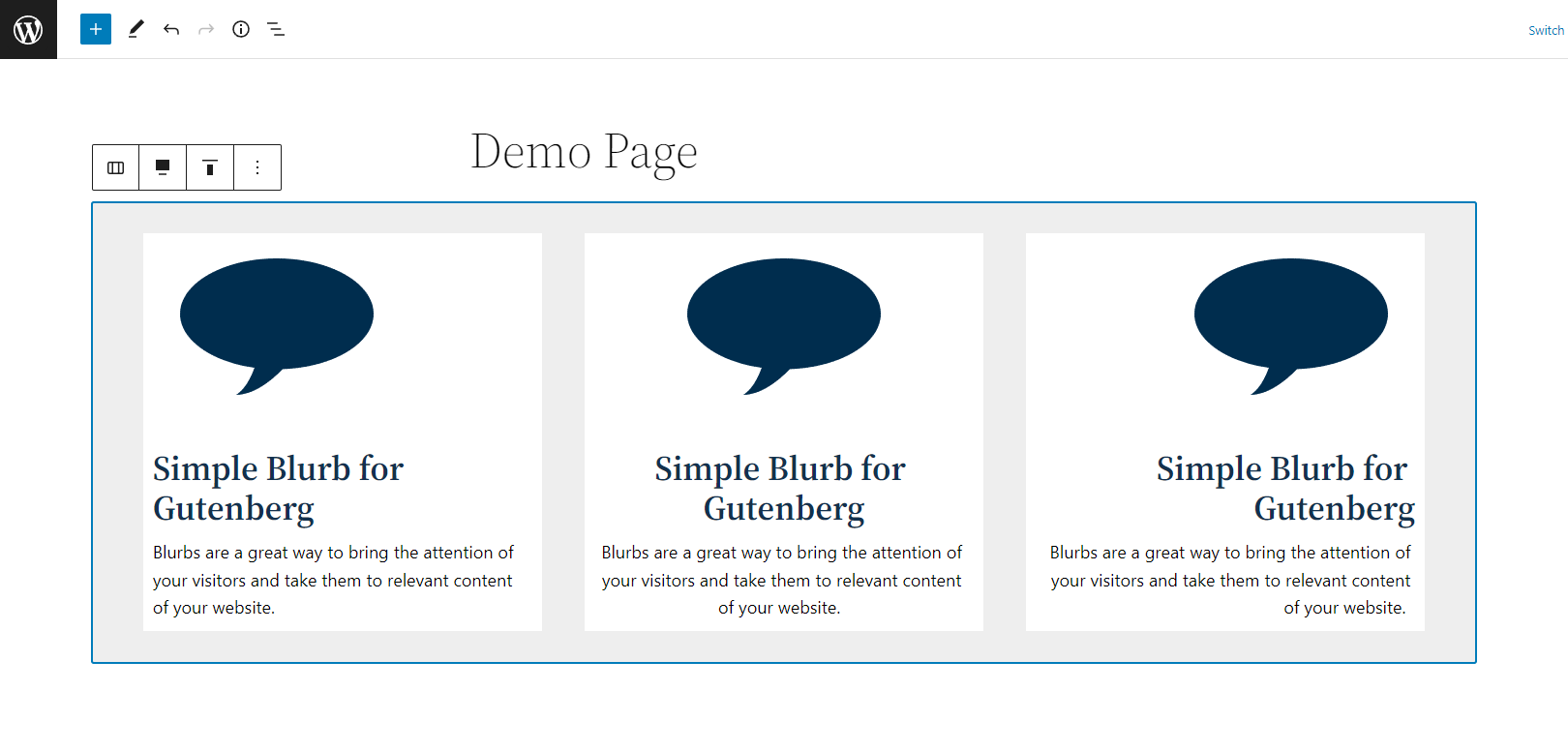
Block editor: Blurbs.
Blocs
Cette extension fournit 1 bloc.
- Simple Blurb Add a simple blurb to showcase a short piece of information.
Installation
- Upload the plugin files to the
/wp-content/plugins/jc-blocks-simple-blurbdirectory, or install the plugin through the WordPress plugins screen directly. - Activate the plugin through the ‘Plugins’ screen in WordPress
- Once the plugin has been activated, a new block called ‘Simple Blurb’ will appear in the block inserter.
Avis

19 juin 2024
Muy bueno, simple y fácil. Si añades la opción de alinear imágenes a la derecha o izquierda del texto seria genial.
Contributeurs & développeurs
« Simple Blurb » est un logiciel libre. Les personnes suivantes ont contribué à cette extension.
Contributeurs
Traduisez « Simple Blurb » dans votre langue.
Le développement vous intéresse ?
Parcourir le code, consulter le SVN dépôt, ou s’inscrire au journal de développement par RSS.
Journal
1.0.0
- Plugin release.