

Description
Link Shortner helps you generate short links and share any URL on or off your WordPress website.
With this plugin, you can:
- Create short links for posts.
- Share short links on social media, emails, or anywhere online.
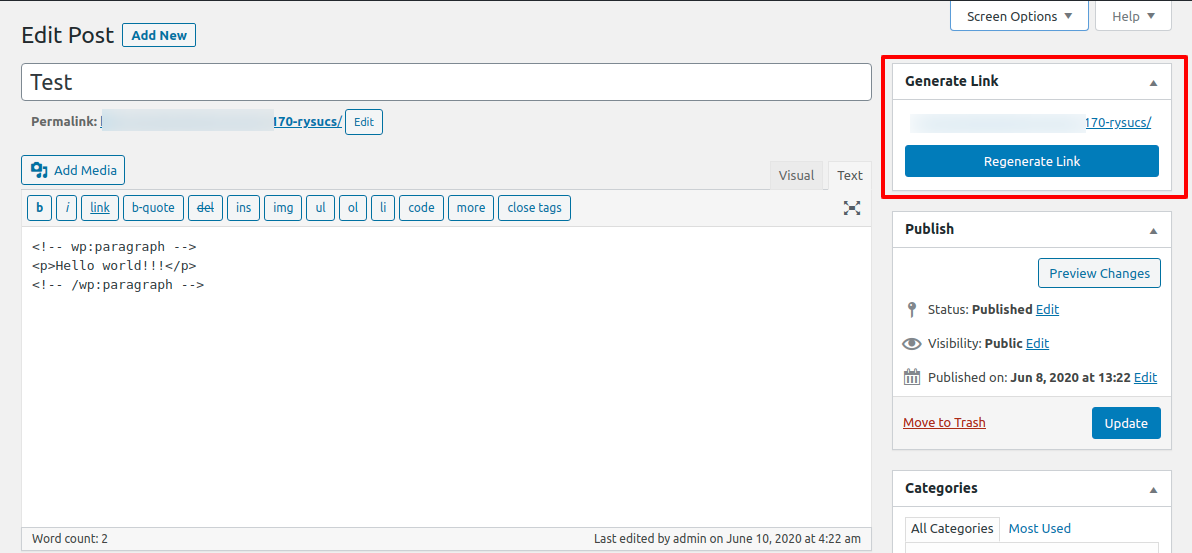
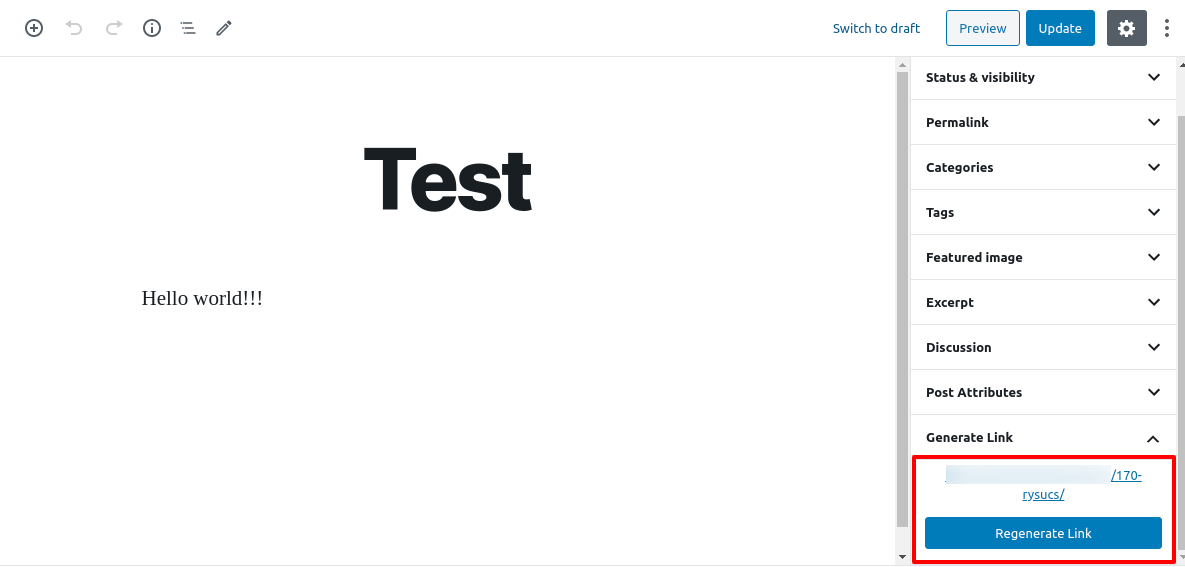
- Quickly regenerate links with one click from your WordPress admin.
Whether you’re managing content, marketing campaigns, or just want neat and professional URLs, Link Shortner makes it simple and effective.
Captures d’écran
Installation
-
From your WordPress dashboard, go to Plugins Add New.
Search for Link Shortner, then click Install and Activate. -
Or upload manually:
Upload thelink-shortnerfolder to the/wp-content/plugins/directory and activate it from the Plugins menu in WordPress.
FAQ
-
How do I generate a short link?
-
After installing Link Shortner, go to the Posts section.
There you’ll see a Regenerate Link button that creates a short URL for your post.
Avis


Contributeurs & développeurs
« Link Shortner » est un logiciel libre. Les personnes suivantes ont contribué à cette extension.
Contributeurs

“Link Shortner” a été traduit dans 3 locales. Remerciez l’équipe de traduction pour ses contributions.
Traduisez « Link Shortner » dans votre langue.
Le développement vous intéresse ?
Parcourir le code, consulter le SVN dépôt, ou s’inscrire au journal de développement par RSS.
Journal
1.1
- Small improvements and bug fixes
1.0
- Initial release.