
Description
Cards Layout is a powerful and flexible WordPress Gutenberg block plugin designed to help you create stunning, professional-grade card components in seconds.
Whether you need to highlight core features, showcase team profiles, display achievement metrics, or present your skill progress, Cards Layout provides a rich set of beautifully crafted, responsive components to elevate your website’s design.
🚀 Free Features
-
Default Card: The perfect minimal card for general content, featuring image, title, description, and button controls.
-
Hero Feature Card: A prominent split-design card with advanced image focal point controls, overlay gradients, floating notification badges, and floating stat highlights.
-
Achievement Card: Highlight your biggest wins with a large central metric and a customizable spinning SVG badge animation.
-
Responsive Grid Engine: Native control over column counts (Desktop, Tablet, Mobile) and gap spacing to build perfect grids instantly.
-
Advanced Global Styling: Granular control over everything from typography (fonts, sizes, weights) to multi-state box shadows, borders, padding, and alignments.
💎 Pro Features (Premium)
Unlock the full potential of Cards Layout with our Premium layouts designed for professional, SaaS-style websites:
-
State / Counter Card: Create dynamic statistic cards featuring up/down trend ribbons and customizable visual sparkline graphs.
-
Progress Card: Display skill levels or project progress with customizable gradient bars and individual metric tracking.
-
Animated Service Card: Stand out with glowing, animated border gradients and dynamic hover growth effects.
-
Banner Card: Build full-width promotional banners featuring stunning « Glassmorphism » blur effects and custom eyebrow taglines.
-
Client Logo Card: Professionally present brand partners with specialized minimal typographic cards and distinct hover color interactions.
-
Creative Curve Card: A highly stylized layout with a seamless CSS-curve cutout connecting your icon to your text content.
- Feature Card: Premium, sleek layout for displaying software or service features.
How to Use
- Install and activate the Cards Layout plugin.
- Open the Gutenberg editor.
- Add Cards Layout from the block inserter.
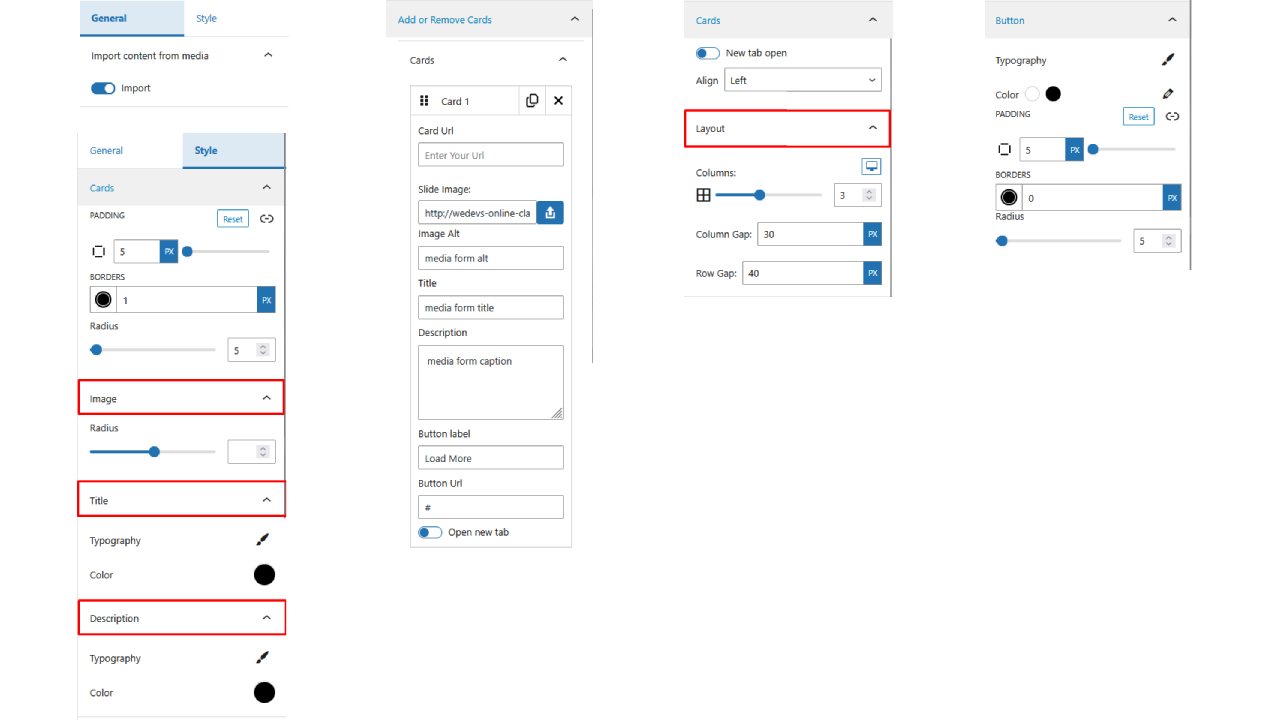
- Customize cards layout from the right-side settings panel.
- Publish and enjoy 🎉
For installation help click on Installation Tab
Feedback & Support
Did you find a bug or have a feature request?
📧 Send feedback
Support forum:
https://wordpress.org/support/plugin/cards-layout/
Check out the Parent Plugin of this plugin-
B Blocks – A blocks collection and page building tool for Gutenberg.
Check out our other WordPress Plugins-
Html5 Video Player – Display videos as single and playlist in multiple skins.
PDF Poster – Display/Embed PDF files with different styles.
Html5 Audio Player – Listen audios with awesome visuals.
StreamCast – Customizable radio player with different skins.
3D Viewer – Embed 3D models and 3D products with interaction.
Advanced Post Block – Show posts and custom posts in different layouts.
Captures d’écran
Settings 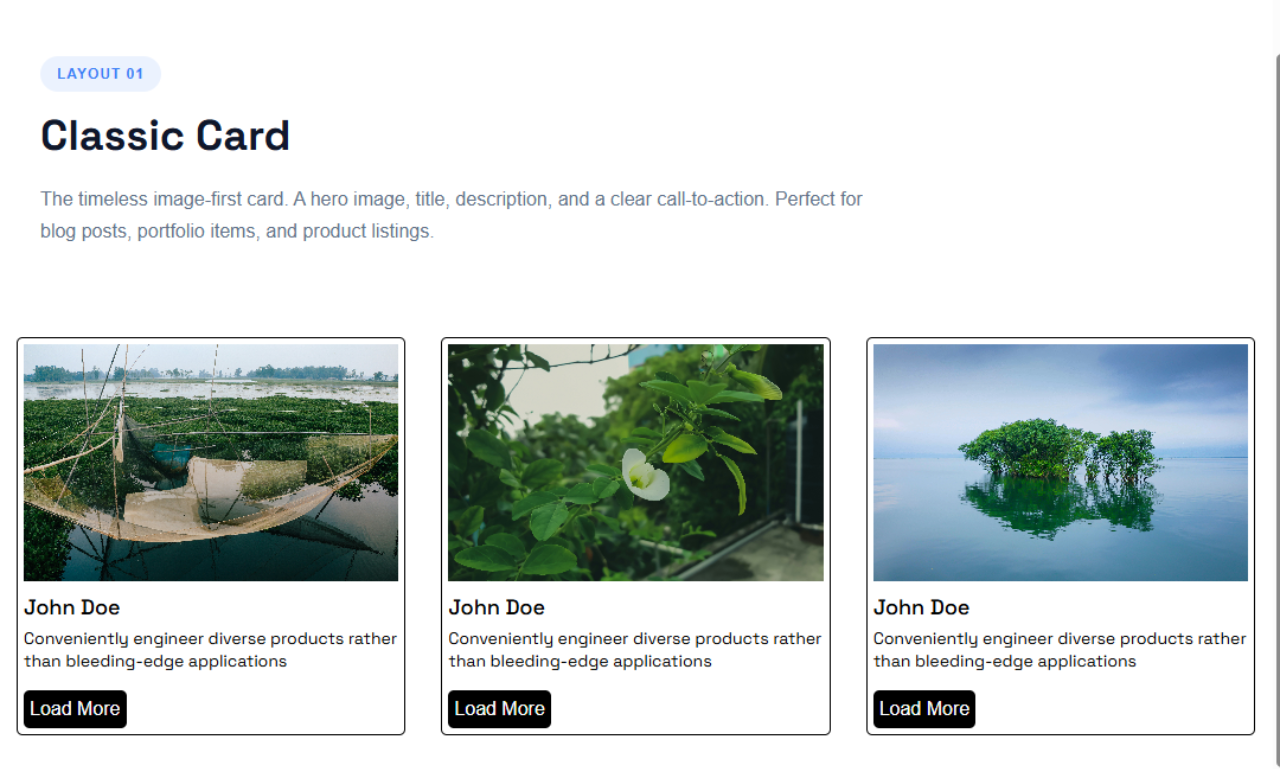
Default Design 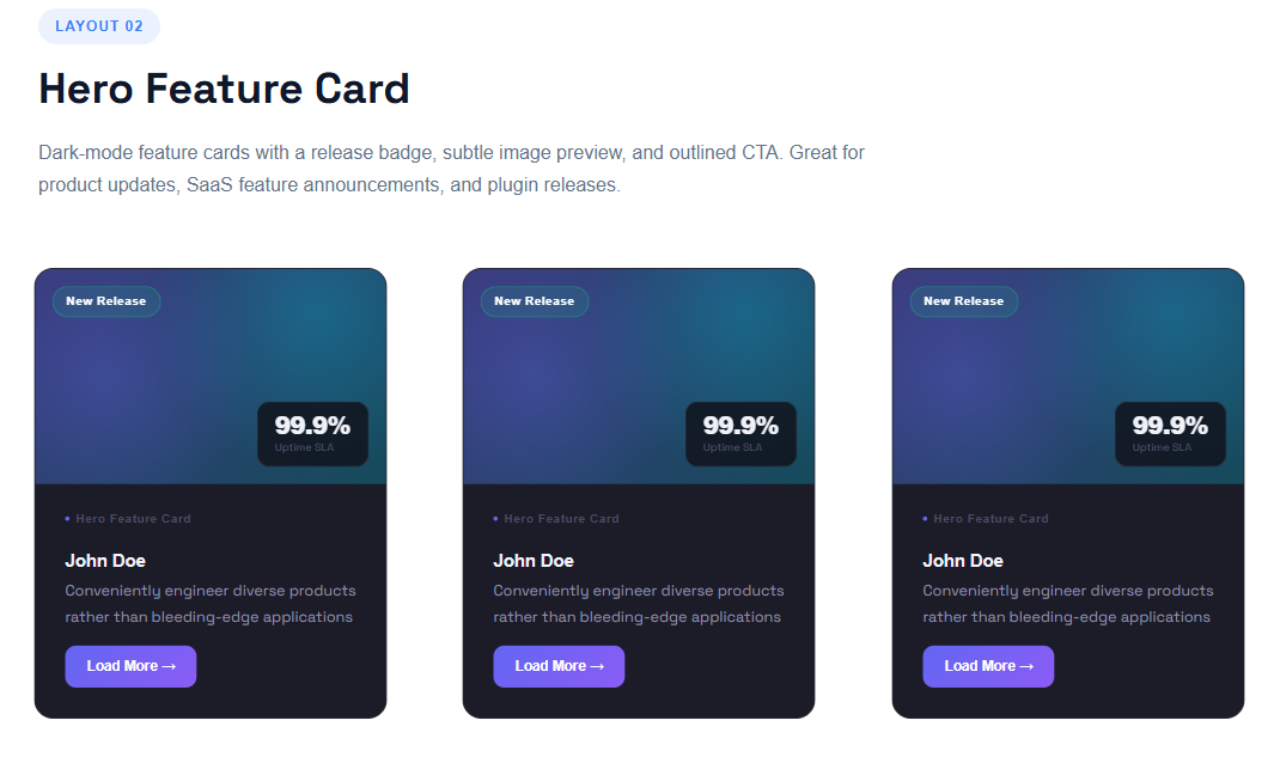
Hero Feature Card 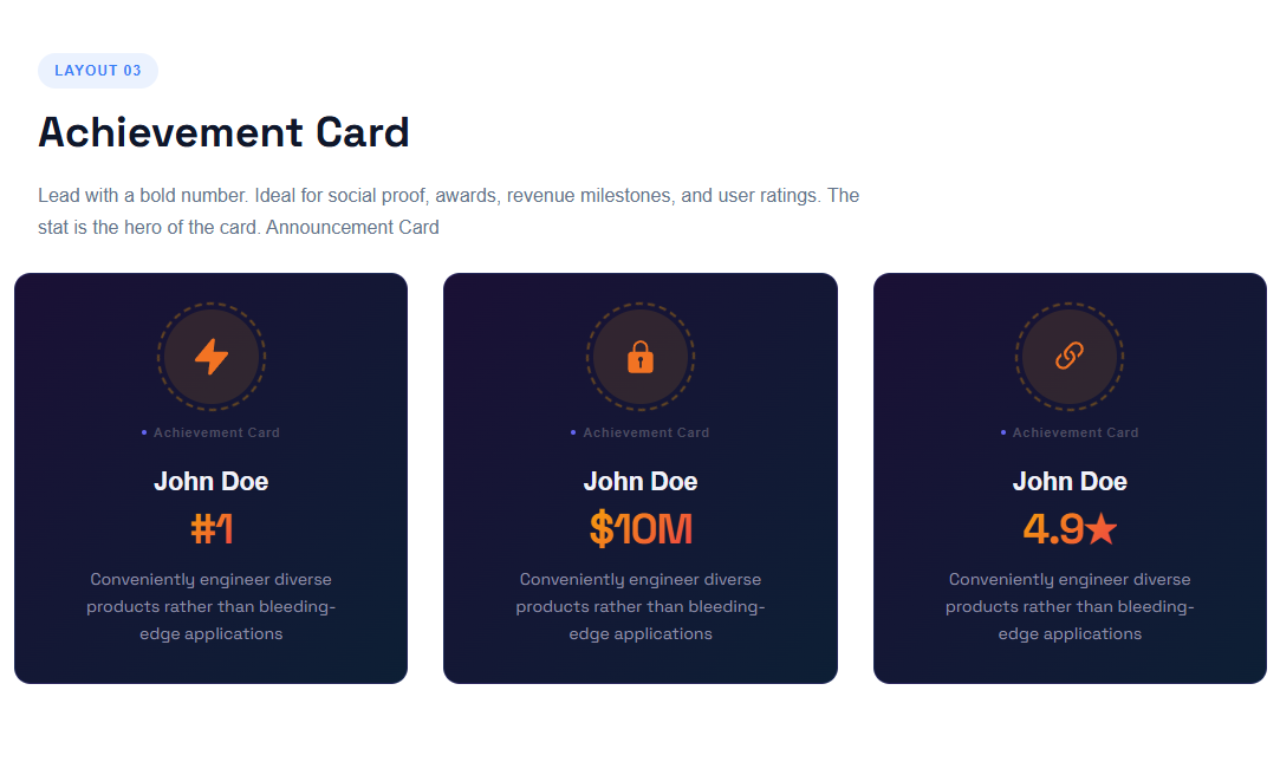
Achievement Card 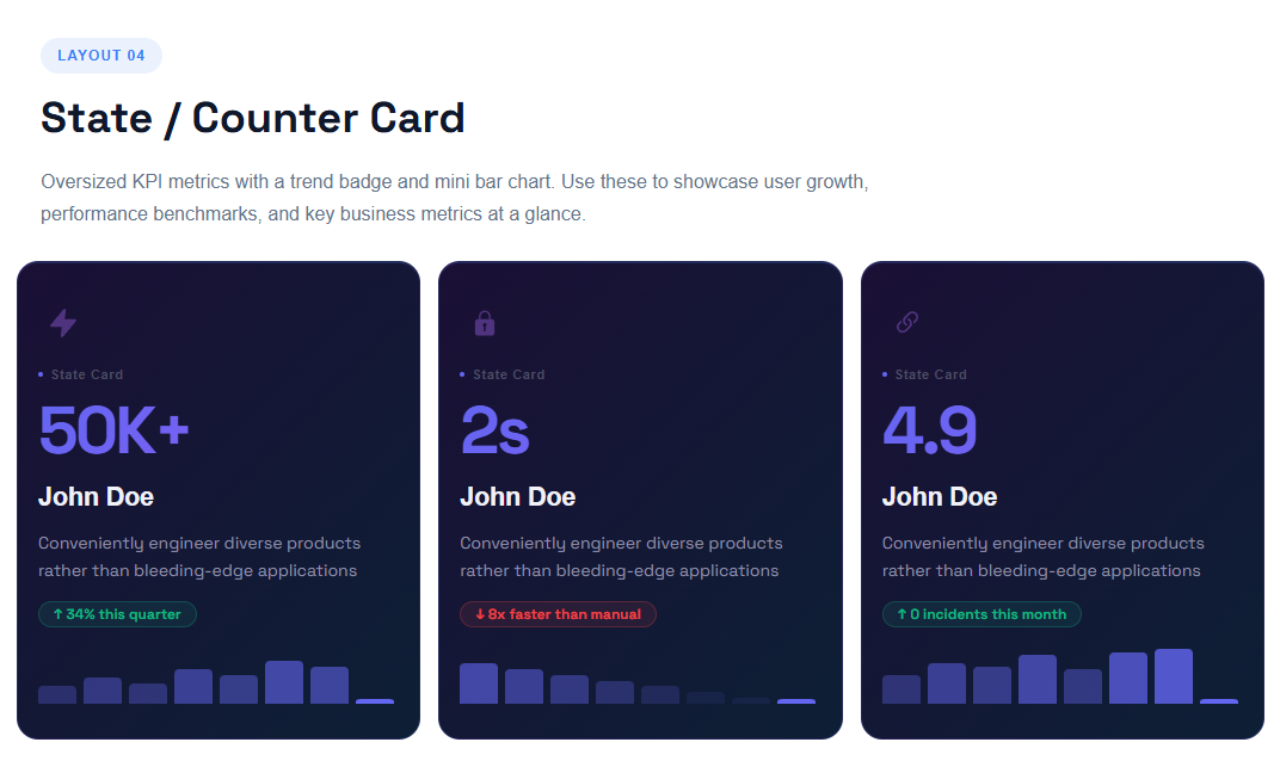
State / Counter Card 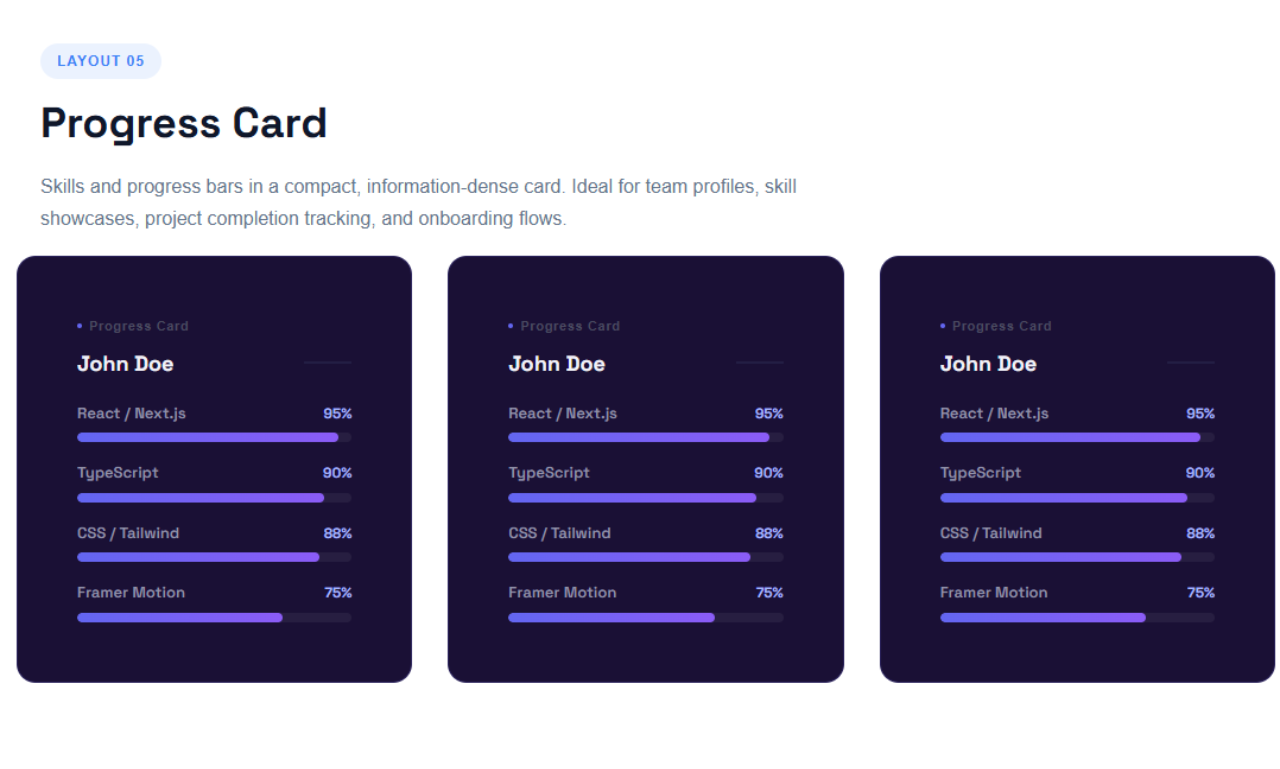
Progress Card 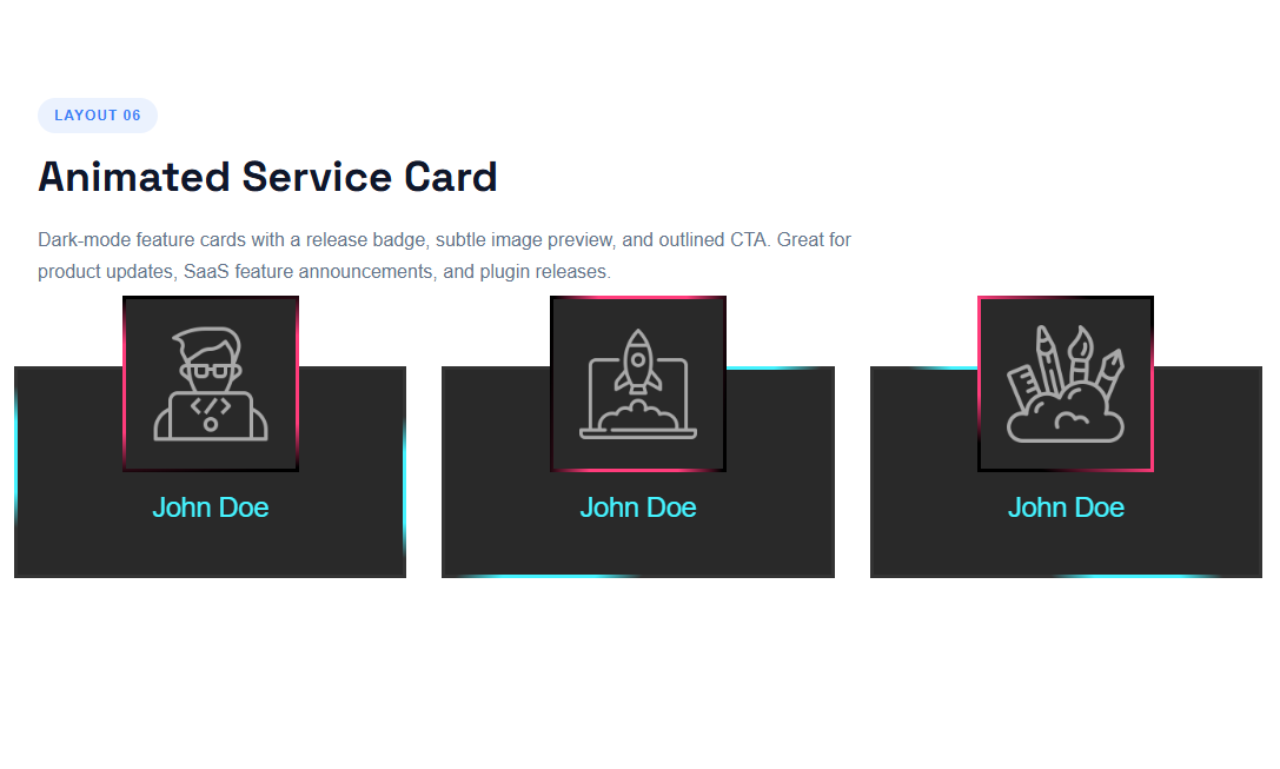
Animated Service Card 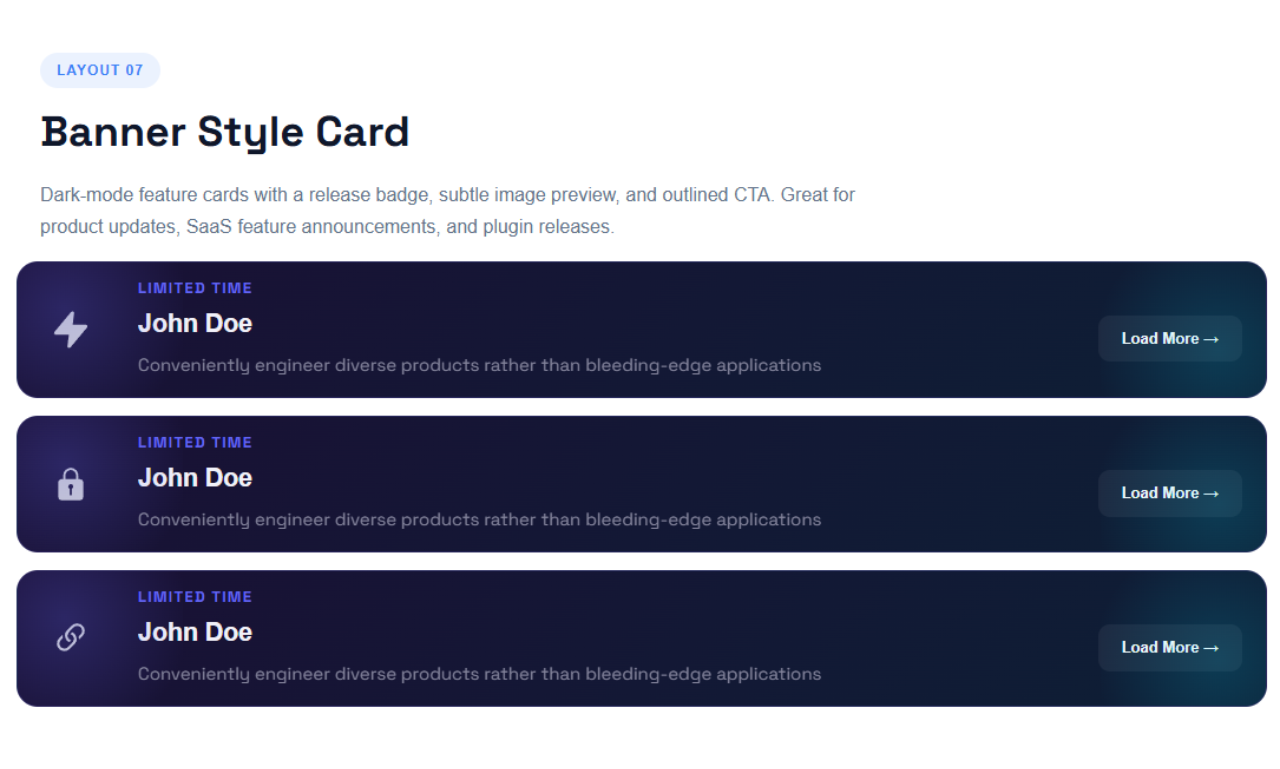
Banner Card 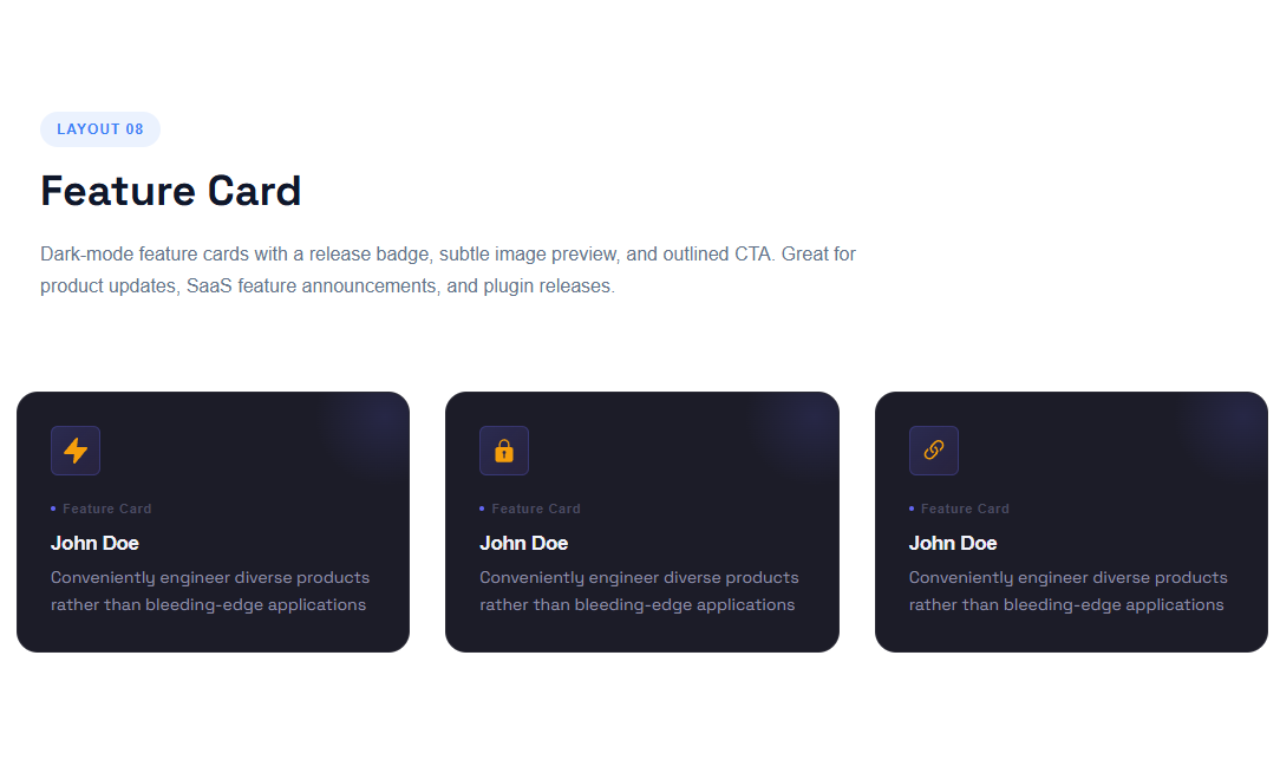
Feature Card 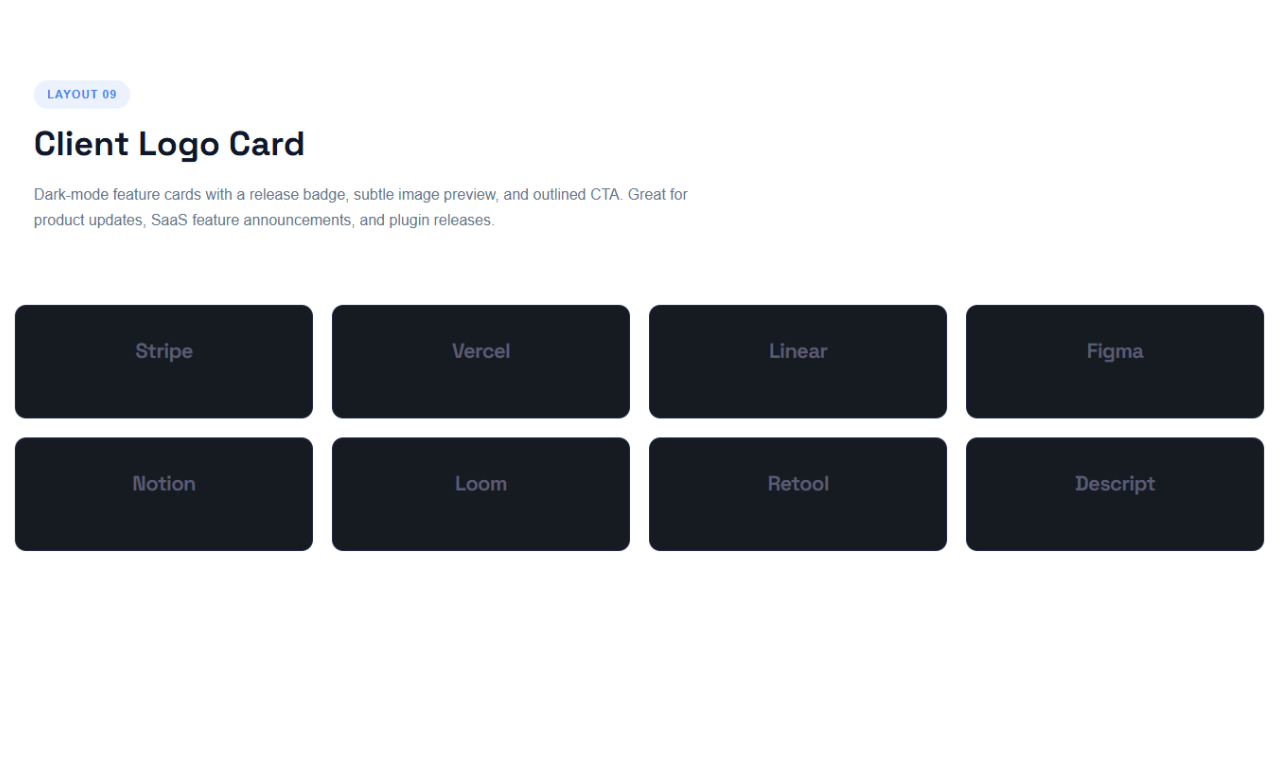
Client Logo Card 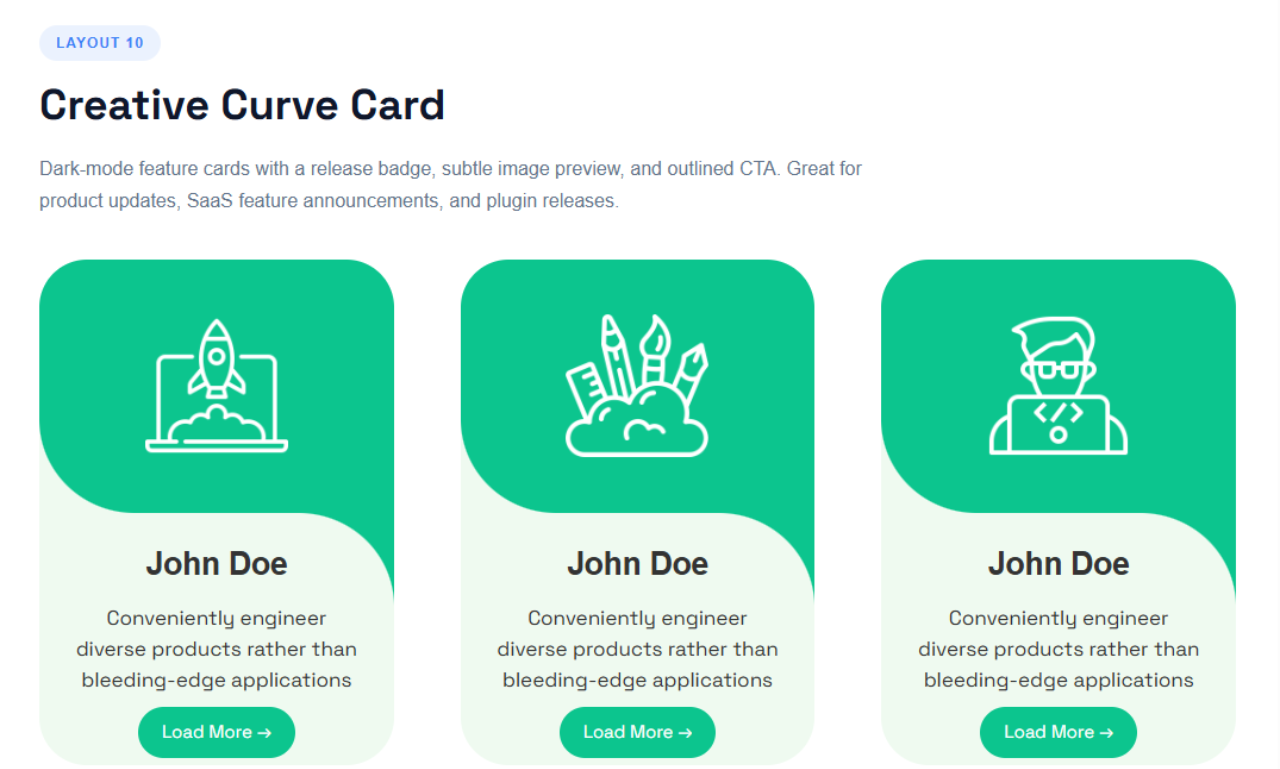
Creative Curve Card
Blocs
Cette extension fournit 1 bloc.
- Cards layout This plugin offers multiple customizable layouts like grid, list, and carousel, making content display easy and flexible.
Installation
From Gutenberg Editor:
- Go to the WordPress Block/Gutenberg Editor
- Search For Cards Layout
- Click on the Cards Layout to add the block
Download & Upload:
- Download the Cards Layout plugin (.zip file)
- In your admin area, go to the Plugins menu and click on Add New
- Click on Upload Plugin and choose the
cards-layout.zipfile and click on Install Now - Activate the plugin and Enjoy!
Manually:
- Download and upload the Cards Layout plugin to the
/wp-content/plugins/directory - Activate the plugin through the Plugins menu in WordPress
FAQ
-
Does it work with any WordPress theme?
-
Yes, it will work with any standard WordPress theme.
-
Can I change block settings?
-
Yes, you can change block settings from the Gutenberg block editor’s right sidebar.
-
How many times can I reuse a block?
-
You can use unlimited times as you want.
-
Where can I get support?
-
You can post your questions on the support forum here
Avis


Contributeurs & développeurs
« Cards Layout » est un logiciel libre. Les personnes suivantes ont contribué à cette extension.
Contributeurs


Traduisez « Cards Layout » dans votre langue.
Le développement vous intéresse ?
Parcourir le code, consulter le SVN dépôt, ou s’inscrire au journal de développement par RSS.
Journal
2.0.0 – 21 April, 2026
- Major Release: Introducing Cards Layout Pro with Premium SaaS-style layouts!
- New Free Layouts: Hero Feature Card, Achievement Card.
- New Pro Layouts: State / Counter Card, Progress Card, Animated Service Card, Banner Card, Client Logo Card, Creative Curve Card, Feature Card.
- Added Responsive Grid Engine for Desktop, Tablet, and Mobile column controls.
- Added granular Icon Wrap Size controls for independent scaling.
- Added dynamic Card Tags across multiple layouts.
- Added customizable badge animation speed for Achievement Card.
- Codebase optimization and bug fixes.
1.1.4 – 29 July, 2025
- focalPoint added good feature;
1.1.3 – 27 July, 2025
- Import content from image media;
1.1.2 – 9 July, 2025
- Image border radius and card content align option added
1.1.1 – 6 July, 2025
- Card URL and button URL now open in a new tab;
1.1.0 – 4 July, 2025
- Default layout available
- Set card border, padding, and border radius
- Customize card title, description, and button typography, color, padding, and border radius
1.0.0
- Initial Release