
Description
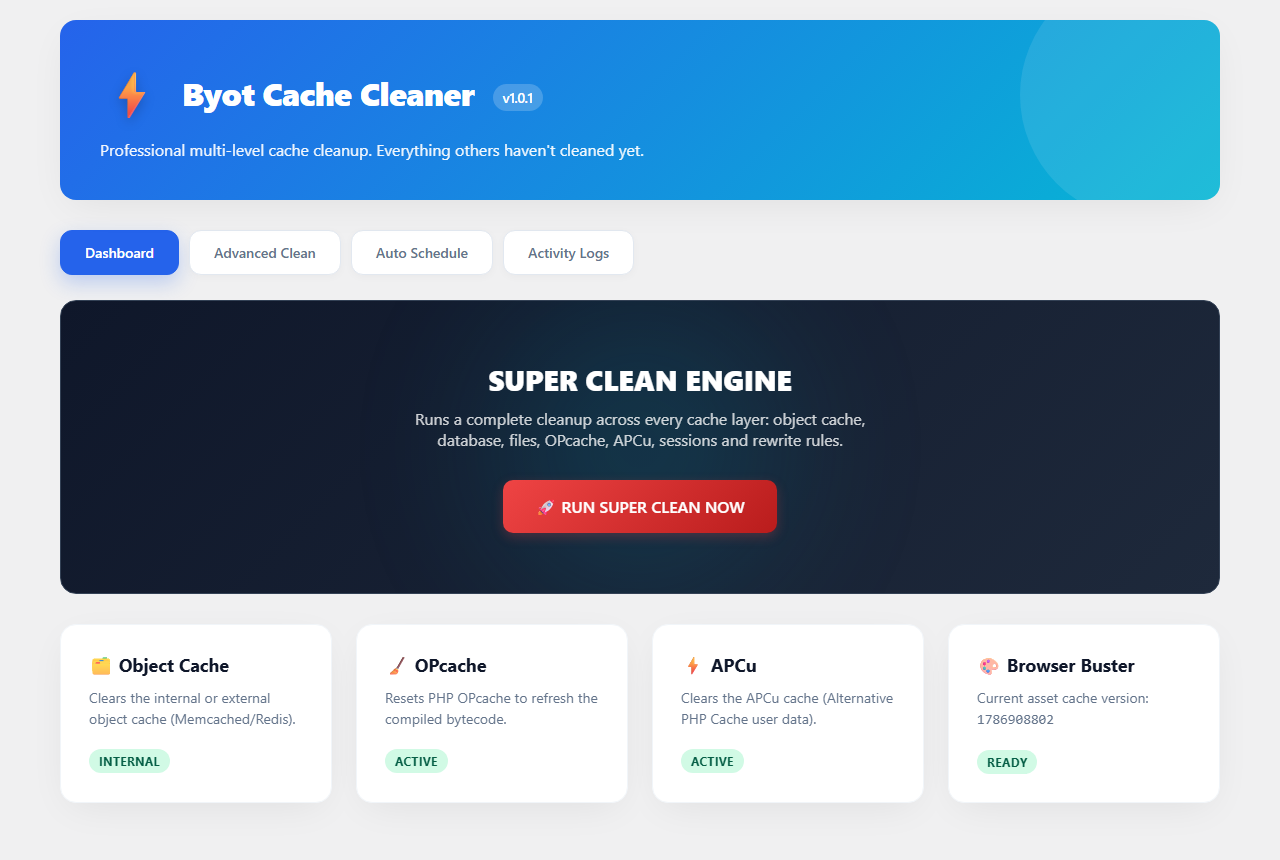
Byot Cache Cleaner clears every cache layer a WordPress site typically accumulates, from a single modern dashboard, instead of hunting through several different tools.
What it cleans:
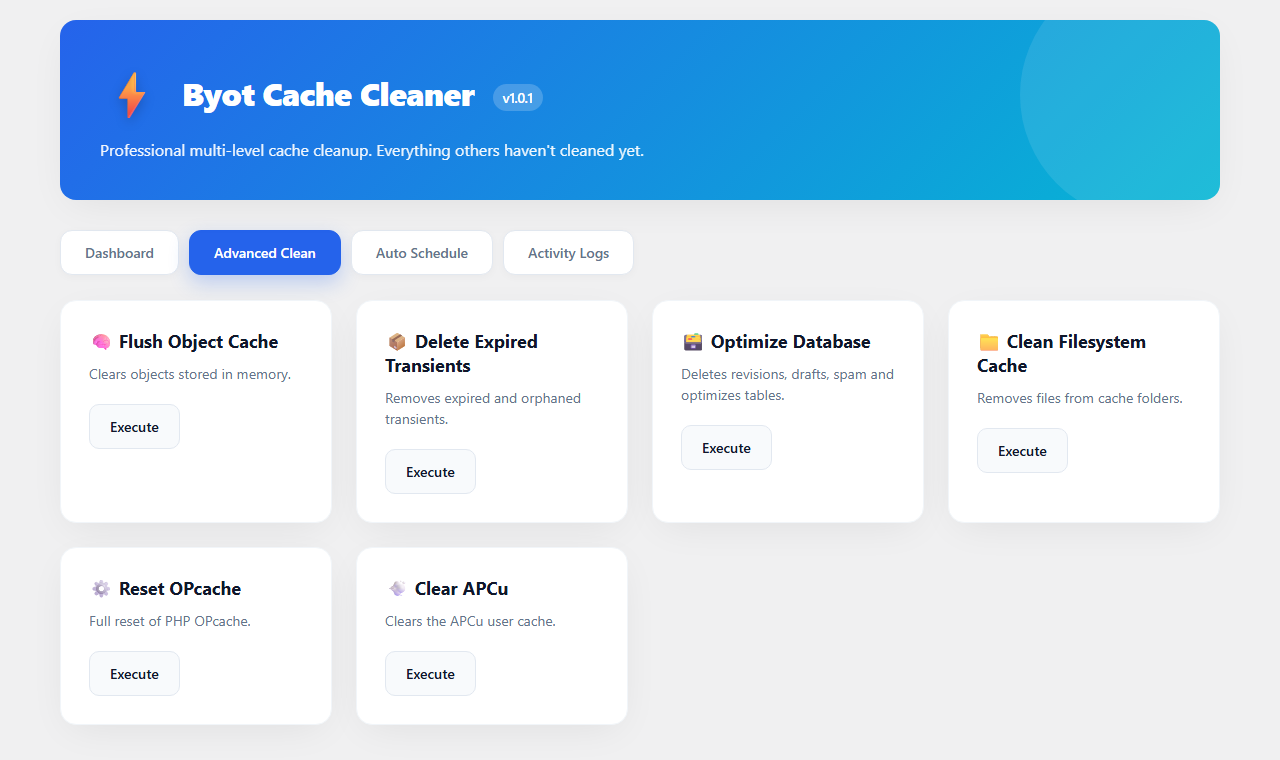
- Object cache (internal WordPress cache or external stores such as Memcached/Redis)
- Expired and orphaned transients
- Database bloat: post revisions, auto-drafts, trashed posts, spam/trashed comments, orphaned post and comment meta, plus table optimization
- Filesystem cache directories left behind by other caching tools
- OPcache (when the extension is available on the server)
- APCu user cache (when the extension is available on the server)
- Stale PHP session files
- Rewrite rules (permalink structure)
- Asset/browser cache version, for cache-busting
Included tools:
- One-click « Super Clean » that runs every layer at once
- Advanced tab to trigger any single cleanup layer on its own
- Optional daily auto-clean, scheduled through WP-Cron
- Activity log with a history of every cleanup run
- Admin bar shortcut to clean cache from anywhere in wp-admin
- Dashboard widget with a quick cache status overview
Notes on the database cleanup
The database cleanup step permanently removes trashed posts and spam/trashed comments as part of its standard run. Review your trash before using it if you might need to recover something — this step is irreversible by design, same as emptying WordPress’s own trash.
Notes on OPcache / APCu
Those two actions only have an effect if the corresponding PHP extension is installed and enabled by your host. If it isn’t, the dashboard reports the layer as « Inactive » and the action safely does nothing.
Captures d’écran
Installation
- In your WordPress admin, go to Plugins Add New.
- Search for « Byot Cache Cleaner ».
- Click Install Now, then Activate.
- Open « Byot Cache » from the admin menu to get started.
Manual installation:
- Upload the plugin folder to
/wp-content/plugins/. - Activate the plugin through the « Plugins » menu in WordPress.
- Open « Byot Cache » from the admin menu.
FAQ
-
Is the database cleanup safe?
-
It permanently deletes trashed posts and spam/trashed comments as part of the standard cleanup. Review your trash first if you need to recover anything.
-
Why do OPcache/APCu show « Inactive » on my dashboard?
-
Those controls only take effect if the corresponding PHP extension is installed and enabled on your server. If your host doesn’t provide them, the badge reports « Inactive » and the action safely does nothing.
-
Does it work with Redis or Memcached?
-
Yes. The object cache action flushes whatever object cache backend WordPress is currently using, whether that’s an external store like Redis/Memcached or the default internal cache.
-
Does this plugin phone home or send data anywhere?
-
No. All actions run locally against your own site’s cache, database, and filesystem. Nothing is sent to any external service.
Avis
Il n’y a aucun avis pour cette extension.
Contributeurs & développeurs
« Byot Cache Cleaner » est un logiciel libre. Les personnes suivantes ont contribué à cette extension.
Contributeurs
Traduisez « Byot Cache Cleaner » dans votre langue.
Le développement vous intéresse ?
Parcourir le code, consulter le SVN dépôt, ou s’inscrire au journal de développement par RSS.
Journal
1.0.1
- Renamed the plugin.
- Fixed the uploads-directory path to resolve through wp_upload_dir() instead of a hardcoded path.
1.0.0
- Initial release.