

Description
ImagePipe Lite generates resized WebP/JPEG/PNG versions of your WordPress
Media Library images on demand and caches them permanently. Free tier:
JPEG/PNG/WebP output and Fit/Cover resize only (no AVIF, no Crop/Contain/
Stretch, no watermarking, no pretty URLs — see ImagePipe Pro for those).
Features
- On-demand image route with a permanent disk cache — repeat requests are
served straight from cache, never regenerated. [imagepipe]shortcode (same tag as ImagePipe Pro, so content keeps
working unchanged after an upgrade), a PHP template helper for theme use, a
native Elementor widget, and a native Gutenberg block (« ImagePipe » in
the block inserter) — preset or manual sizing (including WordPress’s
own registered image sizes: thumbnail/medium/large/custom), link,
caption, blur-up placeholder, and responsivesrcset(one width field
per breakpoint — active Elementor breakpoints for the widget, a fixed
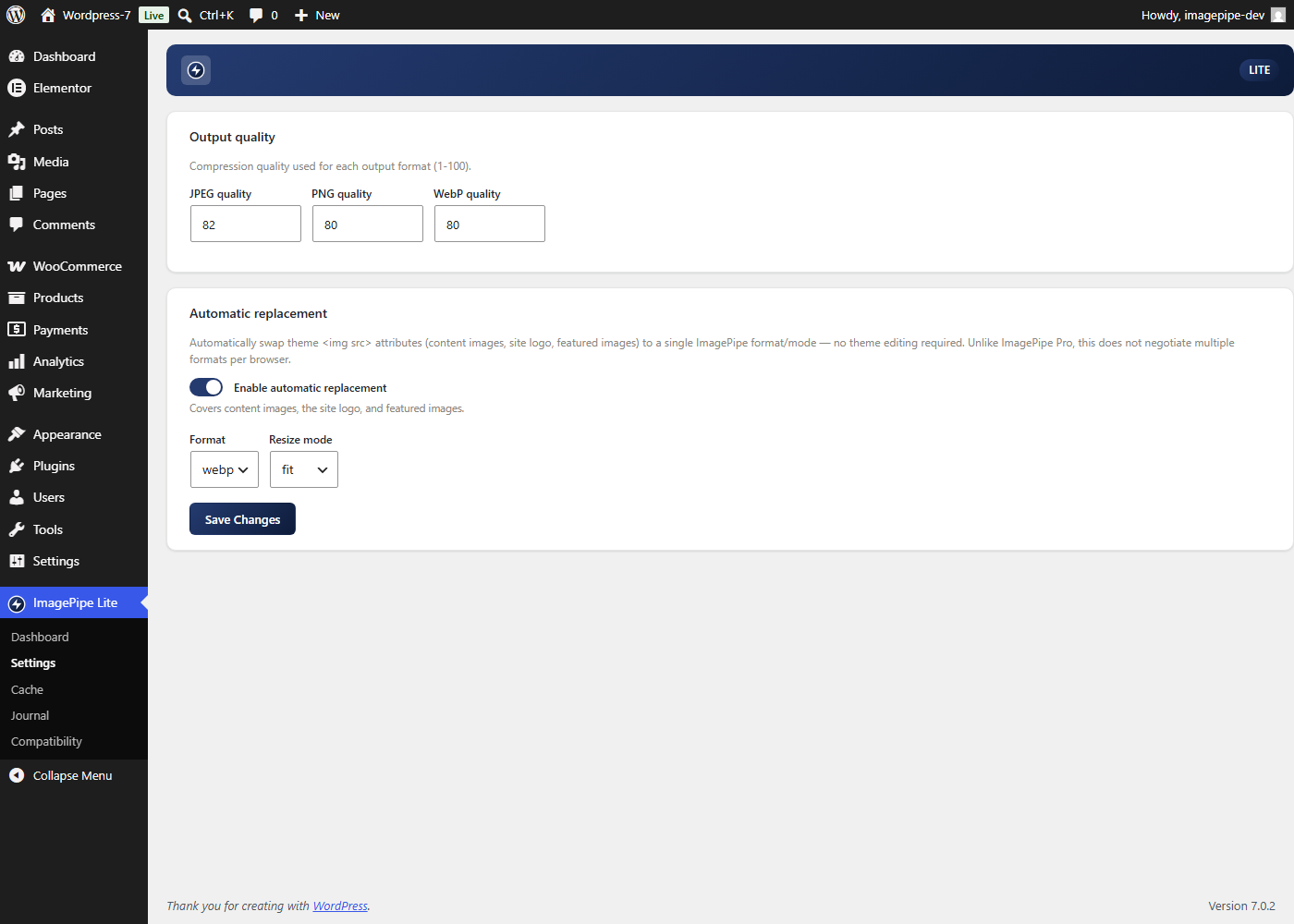
Mobile/Tablet pair for the block).- Automatic replacement: swaps the
srcof content images, the site logo,
and featured images to an ImagePipe URL, in a single fixed format/mode
(no per-browser negotiated<picture>element — that’s an ImagePipe Pro
feature). - WooCommerce product grids/galleries and cart/checkout images (Store API)
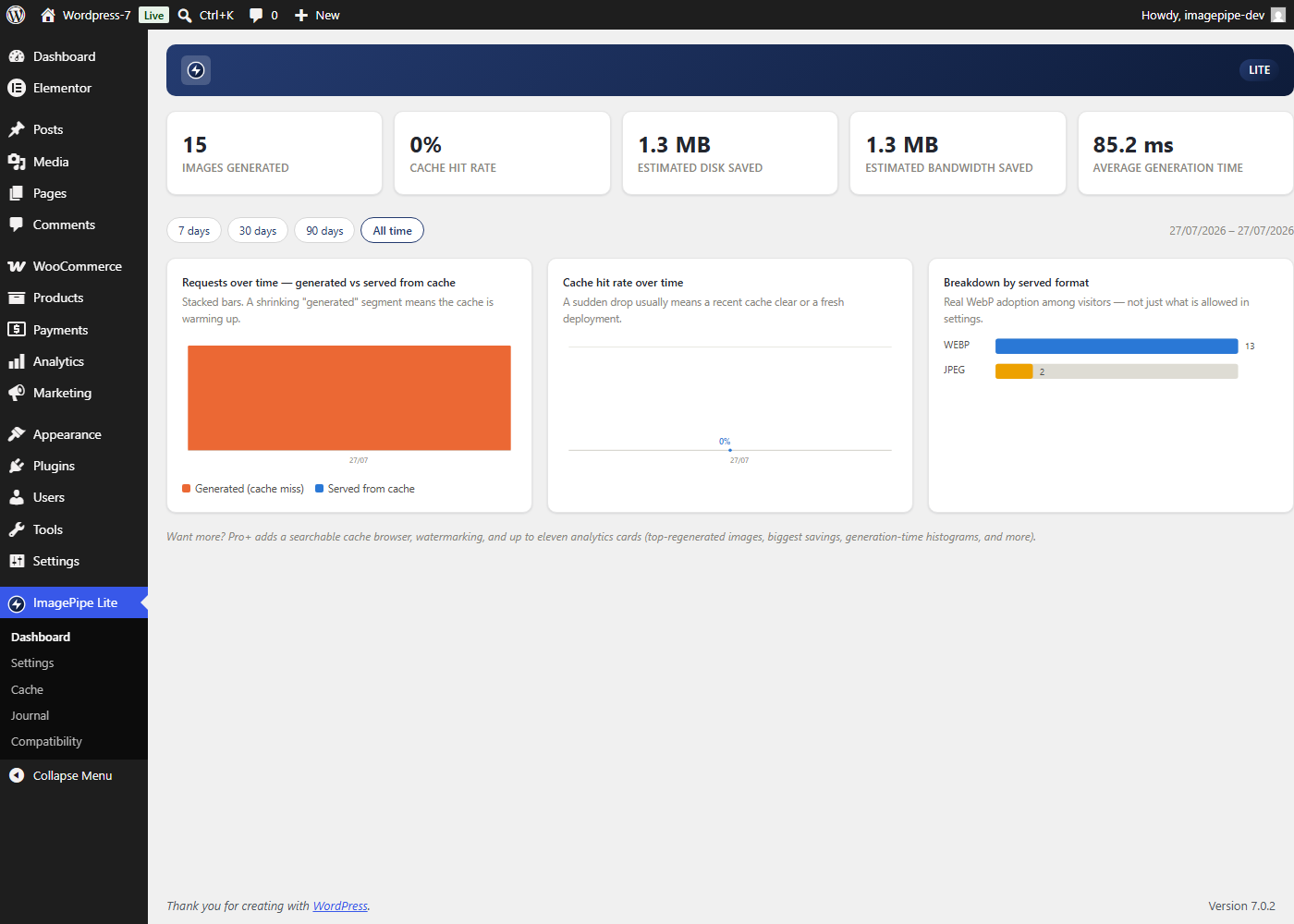
are covered by the same automatic replacement. - Admin dashboard with analytics (requests over time, cache-hit rate over
time, served-format breakdown) and a 7/30/90-day/all-time period
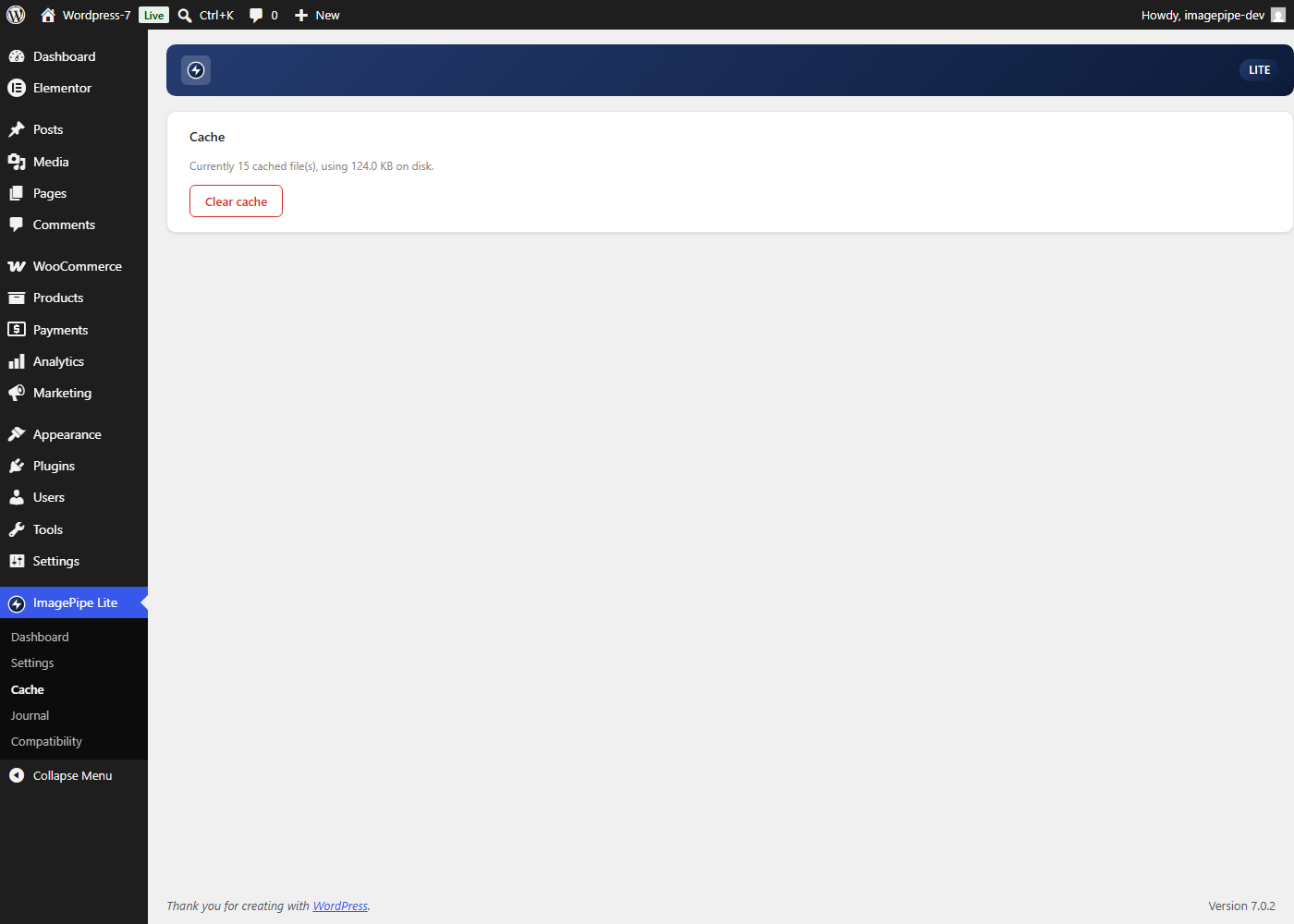
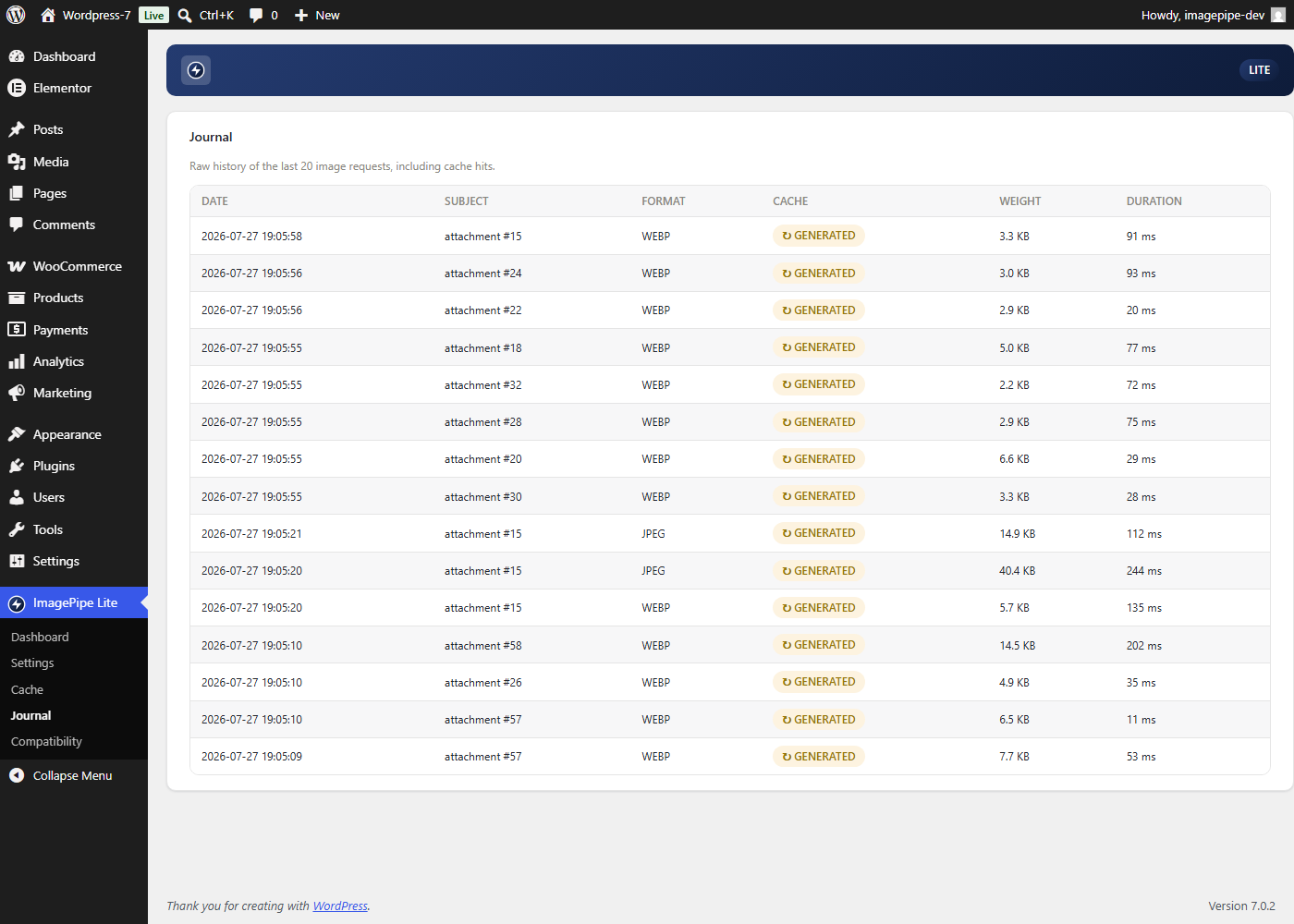
selector. - Per-format quality settings, a journal of the last 20 generation events,
and a one-click « Clear cache » button. - Available in English plus 14 translated languages (French, Spanish,
German, Italian, Portuguese (Brazil), Dutch, Polish, Czech, Turkish,
Romanian, Greek, Arabic, Indonesian, Russian).
Usage
[imagepipe id="123" width="400" height="300"] in any post/page
content, or from a theme template:
<?php echo esc_url( \ImagePipe\WordPressLite\TemplateHelper::url( get_post_thumbnail_id(), null, 400, 300 ) ); ?>
Building pages with Elementor instead? Drag the « ImagePipe Lite » widget
onto the page from the « ImagePipe » category — no shortcode/template code
needed.
Using the block editor (Gutenberg)? Insert the « ImagePipe » block — same
options, no shortcode/template code needed.
Captures d’écran
Blocs
Cette extension fournit 1 bloc.
- ImagePipe (Lite) On-demand resized image (JPEG/PNG/WebP, srcset) served by ImagePipe Lite.
Installation
- Upload the
imagepipe-litefolder to/wp-content/plugins/. - Activate the plugin through the « Plugins » screen.
- Configure output quality and automatic replacement under « ImagePipe Lite » in the admin menu.
FAQ
-
What’s the difference between ImagePipe Lite and ImagePipe Pro?
-
Lite covers JPEG/PNG/WebP output and Fit/Cover resize only. Pro adds
AVIF, Crop/Contain/Stretch, watermarking, pretty (path-based) URLs, and
per-browser<picture>format negotiation. Both use the same
[imagepipe] shortcode and block/widget identifiers, so content built
under one tier keeps working unchanged if you switch to the other — Lite
and Pro are never meant to run active at the same time on the same site.
Learn more about ImagePipe Pro: https://imagepipe.devrunai.re/ -
Does ImagePipe Lite modify my original image files?
-
No. Original files in the Media Library are never touched — every
generated variant is a separate file in its own on-demand disk cache,
which the « Clear cache » button empties without affecting your originals. -
Does this send my images or any data to an external server?
-
No. Every image is generated locally by your own server, and every
analytics/journal entry the admin dashboard shows is stored in your own
site’s database — nothing is sent anywhere else. -
Does it work with WooCommerce?
-
Yes. Automatic replacement also covers WooCommerce product grids/
galleries and cart/checkout images through the Store API, not just
regular post/page content. -
How is this different from Smush, ShortPixel, or Imagify?
-
Those plugins optimize and store a copy of every size WordPress already
generates on upload. ImagePipe Lite instead generates each variant
on demand, the first time it’s actually requested, and caches it
permanently on disk — no bulk optimization job, no per-image API quota,
and no size ever built (and stored) if no visitor ever requests it.
Everything runs on your own server; nothing is uploaded to an external
service. -
What happens if I install ImagePipe Pro while ImagePipe Lite is active?
-
They’re designed to never run together. Activating a licensed copy of
Pro while Lite is active deactivates Lite automatically; activating Lite
while a licensed Pro is already active is refused outright. An
unlicensed Pro install doesn’t trigger either — see each plugin’s own
activation notice for details.
Avis
Il n’y a aucun avis pour cette extension.
Contributeurs & développeurs
« ImagePipe Lite » est un logiciel libre. Les personnes suivantes ont contribué à cette extension.
Contributeurs
“ImagePipe Lite” a été traduit dans 1 locale. Remerciez l’équipe de traduction pour ses contributions.
Traduisez « ImagePipe Lite » dans votre langue.
Le développement vous intéresse ?
Parcourir le code, consulter le SVN dépôt, ou s’inscrire au journal de développement par RSS.
Journal
1.0.1
- Added links to ImagePipe Pro (Compatibility and Settings pages, FAQ)
where it was already mentioned.
1.0.0
- Automatic replacement now also covers WooCommerce product grids/galleries
and cart/checkout images (Store API), on top of content/logo/featured
images. - Default automatic-replacement resize mode changed from Cover to Fit.
- Admin dashboard gained analytics charts (requests over time, cache-hit
rate over time, format breakdown) and a period selector. - Native Elementor widget (« ImagePipe Lite »): preset or manual sizing
(including WordPress’s own registered image sizes), link, caption,
blur-up placeholder, and responsivesrcset(one width per active
Elementor breakpoint). - Native Gutenberg block (« ImagePipe »): same feature set as the
Elementor widget, for sites using the core block editor (fixed
Mobile/Tablet responsive breakpoints instead of Elementor’s own). - French translation, then 13 more languages (Spanish, German, Italian,
Portuguese (Brazil), Dutch, Polish, Czech, Turkish, Romanian, Greek,
Arabic, Indonesian, Russian) — machine-translated, pending human review.
0.1.0
- Initial release: activation/deactivation, on-demand REST image route,
Media Library source resolver, shortcode/template tag, back-office
(dashboard/settings/cache/journal), automatic<img src>replacement for
content/logo/featured images.